


Download Google Maps with your own preferences
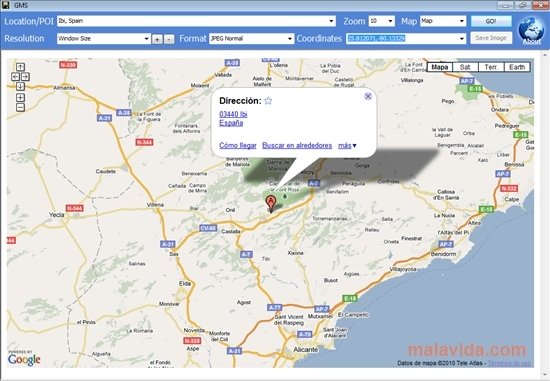
Google Map Saver is a useful application that allows you to save the maps from Google Maps with the configurations of your choice. We're sure that more than once you have wanted to save a map and the only that you have managed to do is capture the screen. With this free tool, you'll be able to save them without any problems.
Save maps adjusting their features to our needs
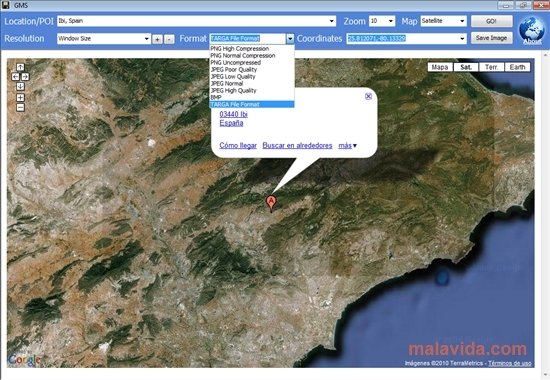
If you want a map from Google Maps, first you'll have to tell Google Map Saver the area on which the map has to be centered. After that, you have to indicate the kind of map that you want: maps, satellite, hybrid or terrain. After you click on the GO! button, the map that we're looking for will appear. To save it, we'll have to select the format and the place where it's saved. The formats in which we can save the image are: JPEG, PNG, BMP, and TGA.
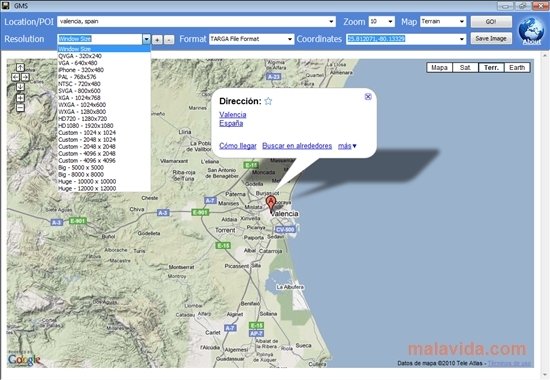
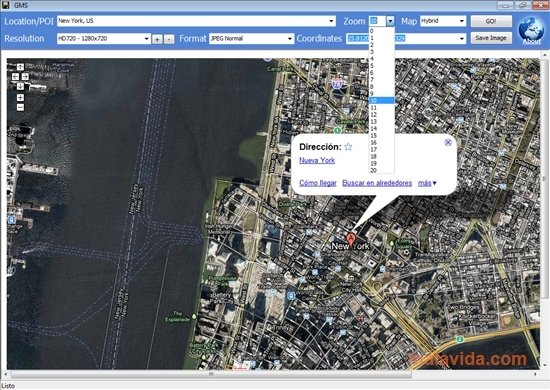
GMS also allows us to select the resolution of the map among a wide range of options or the zoom level that we want to apply. Furthermore, it shows us the exact coordinates of the locations that we have indicated.
Requirements and additional information:
- To remove the watermark you have to visit the programs About section.
 Leticia Sorivella
My name is Leticia. I really like movies, television, and music. That is why I studied Audiovisual Communication. In the beginning, I wanted to work in movies, but I ended up on television. Then, I went from being behind the cameras to being in...

Antony Peel